Restaurant POS Offline Mode: What Happens When the Internet Drops?
What a cloud POS does when the internet fails — offline mode, local network sync, and the exact test to run before you trust a system with your service.
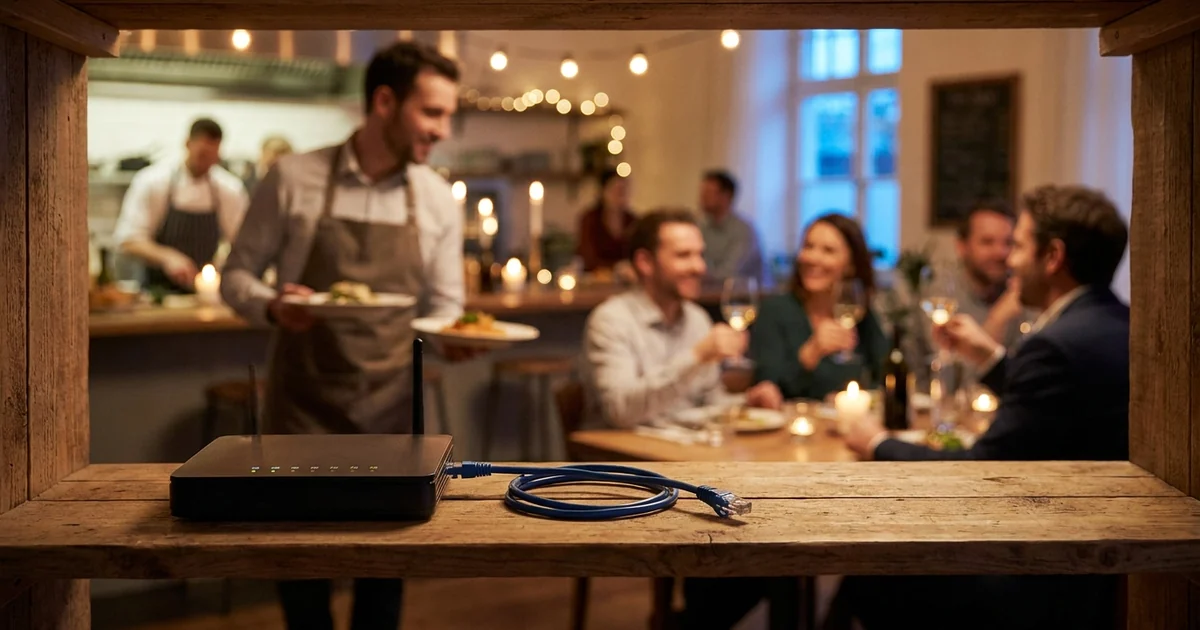
When the internet drops mid-service, a good cloud POS keeps taking orders, keeps printing kitchen tickets, and syncs everything back to the cloud when the connection returns. A bad one freezes your restaurant on a Friday night. The difference is offline mode — and it's the single most under-tested feature in POS buying.
This guide explains what actually happens during an outage, how offline mode works, and the exact test to run before you commit to any system.
Why this matters more than uptime statistics
Your internet will fail. Not often, but at the worst possible time — outages don't check the reservation book first. What's at stake during those twenty minutes:
- Order taking — can waiters still open tables and send orders?
- Kitchen flow — do tickets still reach the kitchen printer or display?
- Payments — can you close bills and record cash payments?
- Data — when the connection returns, is everything reconciled, or did you lose receipts?
A restaurant that can't do these for half an hour doesn't just lose that half hour's revenue — it loses the tables that walked out and the trust of everyone mid-meal.
How offline mode actually works
"Cloud POS" doesn't mean "works only with internet." A properly built cloud system uses the cloud for storage and management, but doesn't depend on it minute to minute:
- 1Local data on every terminal. The menu, prices, and open orders live on the device, not just in the cloud. Losing internet doesn't erase what the terminal already knows.
- 2A local network between devices. Terminals, waiter apps, and kitchen screens talk to each other over your Wi-Fi/LAN directly — so an order taken at the table still reaches the kitchen, with no internet involved.
- 3Queued operations. Everything you do offline — orders, payments, receipts — is queued on the device with timestamps.
- 4Automatic sync on reconnect. When the connection returns, the queue uploads to the cloud and every report catches up. No manual re-entry, no lost receipts.
The one genuine limitation: anything that requires the outside world — online delivery orders, card authorizations through an internet-only gateway — waits until the connection is back. Everything inside your four walls should keep moving.
What to check before you buy
Vendors all claim "offline mode." The claims differ wildly in practice, so ask precisely:
- What exactly works offline? Order taking, kitchen routing, bill closing, cash payments — get the list, not a yes.
- Do devices talk to each other offline, or does each terminal work alone? Waiter apps that can't reach the kitchen without internet are offline in name only.
- How long can it run offline? Hours? A full day? Where's the limit?
- What happens to conflicting edits when sync resumes — who wins, and is there an audit trail?
The five-minute test that settles it
Don't take anyone's word — including ours. During your trial, run this during a quiet hour:
- 1Open a table and send an order to the kitchen.
- 2Turn off the router. Not airplane mode on one device — kill the actual internet.
- 3Take a new order from a waiter device, send it, and watch whether the kitchen gets it.
- 4Close a bill with a cash payment.
- 5Turn the router back on and check the back office: every order, receipt, and payment from steps 3-4 should appear within minutes, exactly once.
If a vendor discourages this test, that's your answer.
How Clopos works offline
Clopos uses a local-network architecture: your terminals, waiter devices, and kitchen screens communicate directly over the venue's network, with the cloud layered on top for storage, reporting, and remote access.
- Service continues offline — orders, kitchen tickets, and bill closing all keep working over the local network.
- Automatic reconciliation — when the internet returns, everything syncs to the cloud and your reports catch up on their own.
- No server to maintain — the local network is peer-to-peer between your devices; there's no on-site server to buy, patch, or lose.
Offline behavior is one of the seven questions every buyer should ask — the other six are in our restaurant POS system guide. For the waiter-device side of the same story, see the waiter app buyer's guide.
Frequently asked questions
Can a cloud POS work without internet?+
Yes — if it's built with offline mode. The terminal keeps the menu and orders locally, devices communicate over the venue's own network, and everything syncs to the cloud when the connection returns. Verify it with a router-off test before buying.
Do I lose sales data recorded during an outage?+
Not with a proper offline mode: operations are queued on the device and uploaded automatically on reconnect. Ask the vendor how conflicts are resolved and confirm during your trial that offline receipts appear in reports exactly once.
Can waiters still send orders to the kitchen without internet?+
Only if the system supports local-network communication between devices. Systems where each terminal goes through the cloud stop routing tickets the moment the internet drops — that's the key difference to test.
Can I take card payments when the internet is down?+
Card authorization usually needs a connection — that's a bank-side constraint, not a POS one. Some card terminals have their own mobile data as a fallback. Cash and pay-later options keep working through the POS offline.
Is an offline-capable cloud POS better than a local server system?+
For most restaurants, yes. You get the old on-premise advantage — service that survives outages — without the server hardware, maintenance, and single point of failure, plus cloud reporting and multi-location management on top.
This article was prepared by the Clopos team, with over 5 years of experience in the restaurant and cafe industry. Last updated: July 2026.
Related articles
How Much Does a Restaurant POS System Cost? (2026 Guide)
What a restaurant POS system really costs in 2026: subscription vs. license pricing, hardware, hidden fees, and how to calculate total cost of ownership.
Read article
What Is a Restaurant POS System? The 2026 Guide to Cafe & Restaurant Management Software
What to look for when choosing a restaurant or cafe POS system? A complete 2026 guide covering ordering, kitchen display, QR menu and inventory.
Read article